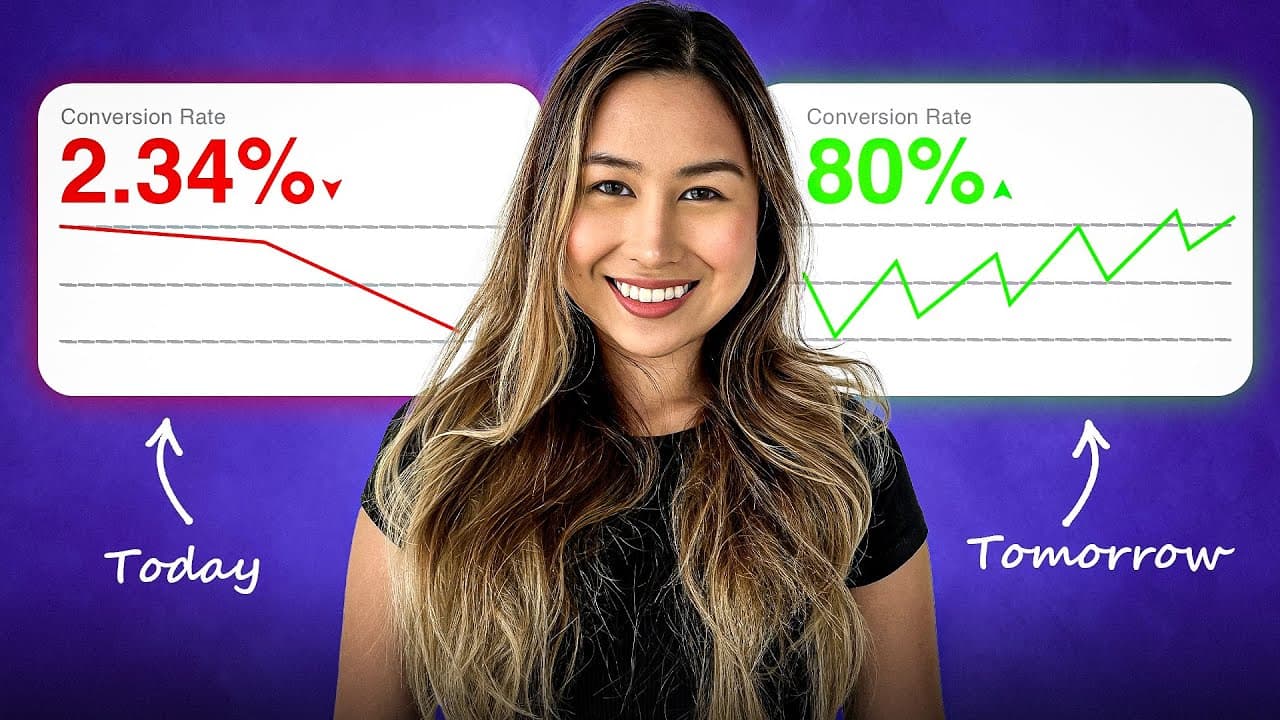
In the digital marketplace, your website’s conversion rate is a crucial metric that determines the success of your business. A high conversion rate means that a greater percentage of your visitors are taking desired actions, such as making purchases or signing up for newsletters. However, many businesses struggle with low conversion rates, often due to outdated methods and poor user experience. In this blog, we will explore effective strategies to enhance your website’s conversion rate, focusing on the importance of testimonials and social proof.

Photo by Scott Graham on Unsplash
Understanding Conversion Rates
Conversion rates represent the percentage of users who complete a desired action on your website. For example, if 100 visitors come to your site and 2 make a purchase, your conversion rate would be 2%. Understanding this metric is essential for optimizing your marketing strategies and improving your overall business performance.
Common reasons for low conversion rates include:
- Poor user experience
- Unclear value propositions
- Lack of trust signals
The Importance of User Experience
Creating a seamless user experience is vital for keeping visitors engaged. If your website is difficult to navigate or slow to load, users are likely to leave without taking action. Here are some tips to enhance user experience:
- Improve Navigation: Ensure that your site is easy to navigate with a clear menu structure.
- Optimize for Mobile: With more users accessing websites via mobile devices, a mobile-friendly design is crucial.
- Reduce Load Times: Fast-loading pages lead to better user retention and higher conversion rates.

Clearly Communicate Your Value Proposition
Visitors need to understand what you offer and why it matters to them. A clear value proposition can significantly influence their decision to convert. Ensure that your website communicates:
- What your business does
- How it benefits customers
- What sets you apart from competitors
Building Trust with Social Proof
How to Collect and Display Testimonials
To effectively leverage testimonials, follow these steps:
- Create a Review Collection Form: Use a platform like Socialjuice to easily collect new testimonials from satisfied customers.
- Import Existing Testimonials: If you have testimonials from other platforms, import them into your Socialjuice account.
- Customize Your Widget: Choose a testimonial widget that fits your website’s design and embed it seamlessly into your site.

Photo by Alienware on Unsplash
Choosing the Right Testimonial Format
Not all testimonials are created equal. Here are various formats you can use to enhance their effectiveness:
- Text Testimonials: Simple and straightforward, but consider adding visuals for impact.
- Video Testimonials: These provide a personal touch and can significantly increase engagement.
- Case Studies: Detailed narratives that showcase customer success stories can effectively illustrate your value.
Embedding Testimonials on Your Website
Once you have gathered testimonials, it’s essential to display them effectively. Here’s how to embed your testimonial widget:
- Copy the code snippet from your Socialjuice account.
- Navigate to your website's design center.
- Create a new section for testimonials and paste the code into the embed code element.
- Adjust the size and layout as needed, then publish your changes.

Photo by Ian Schneider on Unsplash
Final Thoughts
Increasing your website's conversion rate is not just about flashy designs or aggressive marketing tactics. By focusing on user experience and incorporating social proof through testimonials, you can build trust and encourage more visitors to take action. Start implementing these strategies today, and watch your conversion rates soar!
If you’re interested in learning more about collecting and sharing customer reviews, visit Socialjuice for a comprehensive solution.

Photo by Austin Distel on Unsplash
Test the proof against a specific hesitation
Choose a page with a clear action and enough comparable visits to learn from. Identify one hesitation, such as uncertainty about setup, and select a testimonial that describes a real customer's experience with that issue.
Change one placement or story at a time. Keep the page's offer, tracking definitions, and major acquisition campaigns consistent where possible. Record the test period, visitor counts, and completed actions. If you cannot randomize exposure, treat a before-and-after comparison as suggestive rather than causal.
Check the mobile version as part of the test. Heavy media, hidden purchase controls, or a slow widget can work against the confidence the story is intended to build. Include text for visitors who do not play video.
There is no universal conversion lift to assume. A useful result may be better-qualified enquiries or fewer repeated questions rather than more clicks. Use a compact Socialjuice widget and the placement guide to make the change concrete.