Install the Socialjuice AI collection widget
Collect customer feedback through a chat bubble on your website.
Updated
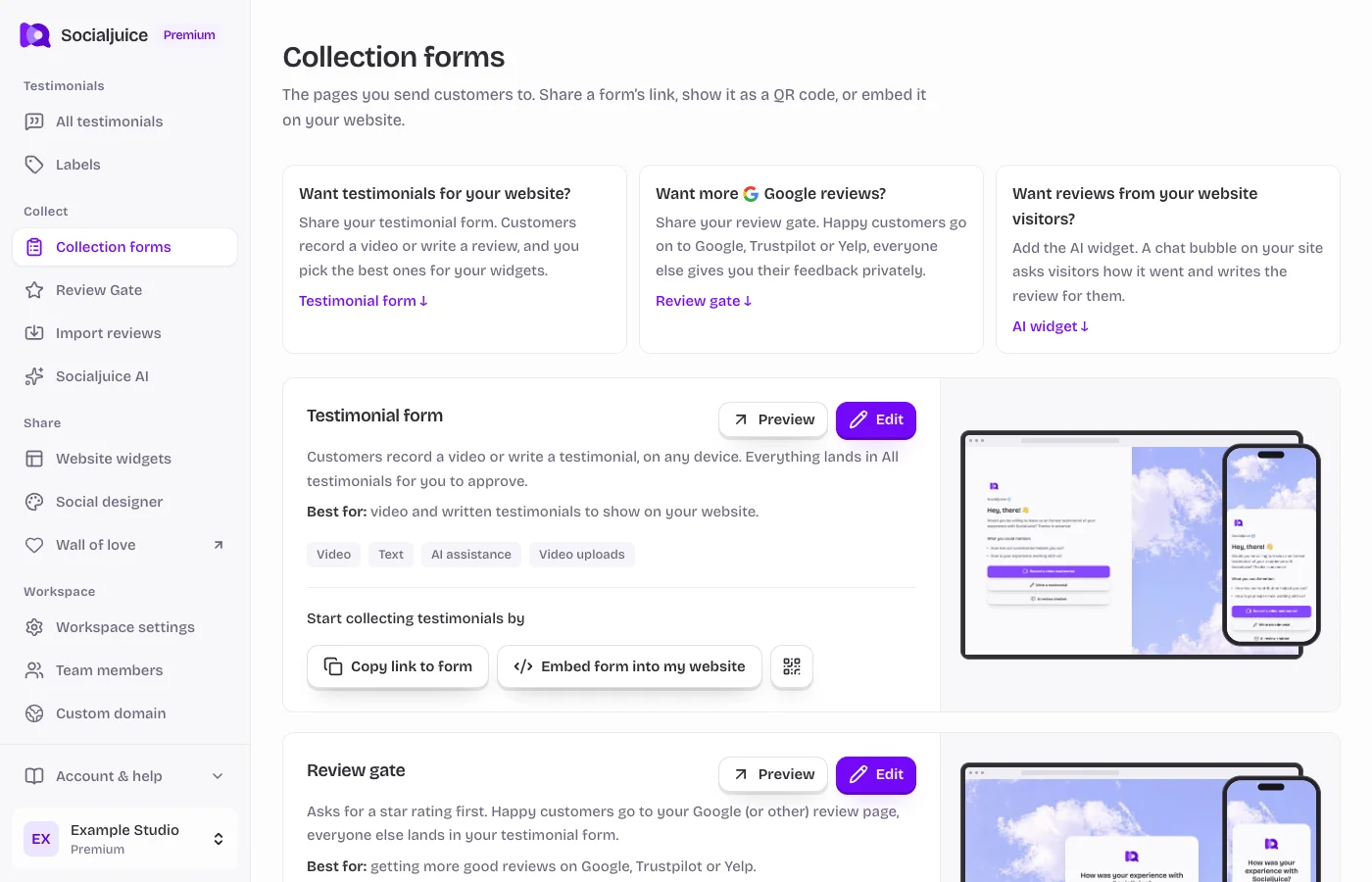
Current Socialjuice dashboard with example data. Interface labels follow your dashboard language.
What the widget does
The Socialjuice AI widget asks visitors about their experience and helps turn their answers into a testimonial. The customer reviews and approves the resulting text before it is sent to your testimonial library. This is a collection tool; Website widgets display testimonials you already collected.
Configure and install
- Open Collection forms and find Socialjuice AI widget. Choose its edit link.
- Review the available General, branding, and behavior settings. Set the introduction and prompts so the visitor understands what they are being asked to share.
- Save your settings and use the demo or preview to check the conversation. Confirm that the widget is enabled when you are ready for visitors.
- Return to Collection forms and choose Copy installation code. Add the exact code through your website’s supported custom-code mechanism.
- Preview the actual website, open the bubble, and check its position on mobile. Avoid covering important navigation, cookie controls, or checkout actions.
If the bubble is missing
Confirm the widget is enabled, the complete installation code is present on the intended page, and your site allows JavaScript. Check whether a consent manager or blocker is preventing the script from loading. Do not paste the script into a text block or an isolated iframe if it needs to create a bubble on the host page.