Collect your first video or written testimonial
Share your testimonial form, review new responses, and choose what to publish.
Updated
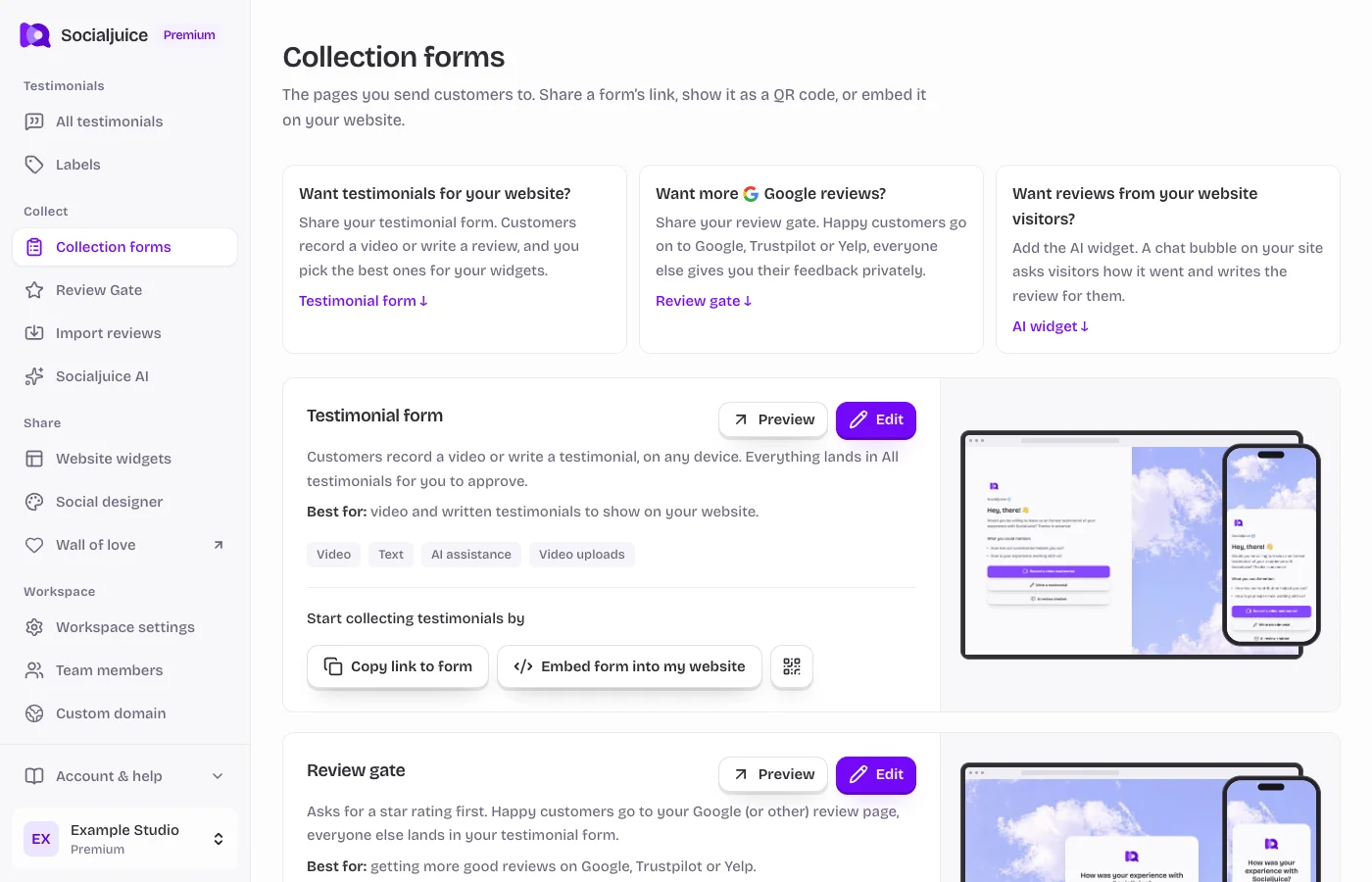
Current Socialjuice dashboard with example data. Interface labels follow your dashboard language.
Choose the right collection tool
Collection forms contains your testimonial form, Review Gate, and Socialjuice AI widget. Use the testimonial form to ask customers for video or written feedback. The AI widget collects feedback through a conversation on your website. Review Gate starts by asking for a rating and can send customers to external review destinations.
Prepare and share your form
- Open Collection forms in the sidebar. Find Testimonial form and choose its edit link.
- Check the introduction, questions, requested customer information, and thank-you message. Save changes and use Preview to see the customer experience.
- Return to Collection forms and choose Copy form link. Send this link in your own customer email or message, add it to your website, or display the form’s QR code.
- Ask for an honest account of the customer’s experience. Give a short prompt, such as what changed after using your product, and explain where their testimonial may be used.
Review each response
Open All testimonials in the correct space. Read the text or watch the video, check the author information and consent, and decide whether to make it public. New responses are not automatically a recommendation to publish.
A public testimonial can be shared and used by eligible widgets. If a response is not appearing, check its public status, archived status, and the widget’s filters.