Customize your testimonial collection form
Update your brand, questions, personal-information fields, and thank-you page.
Updated
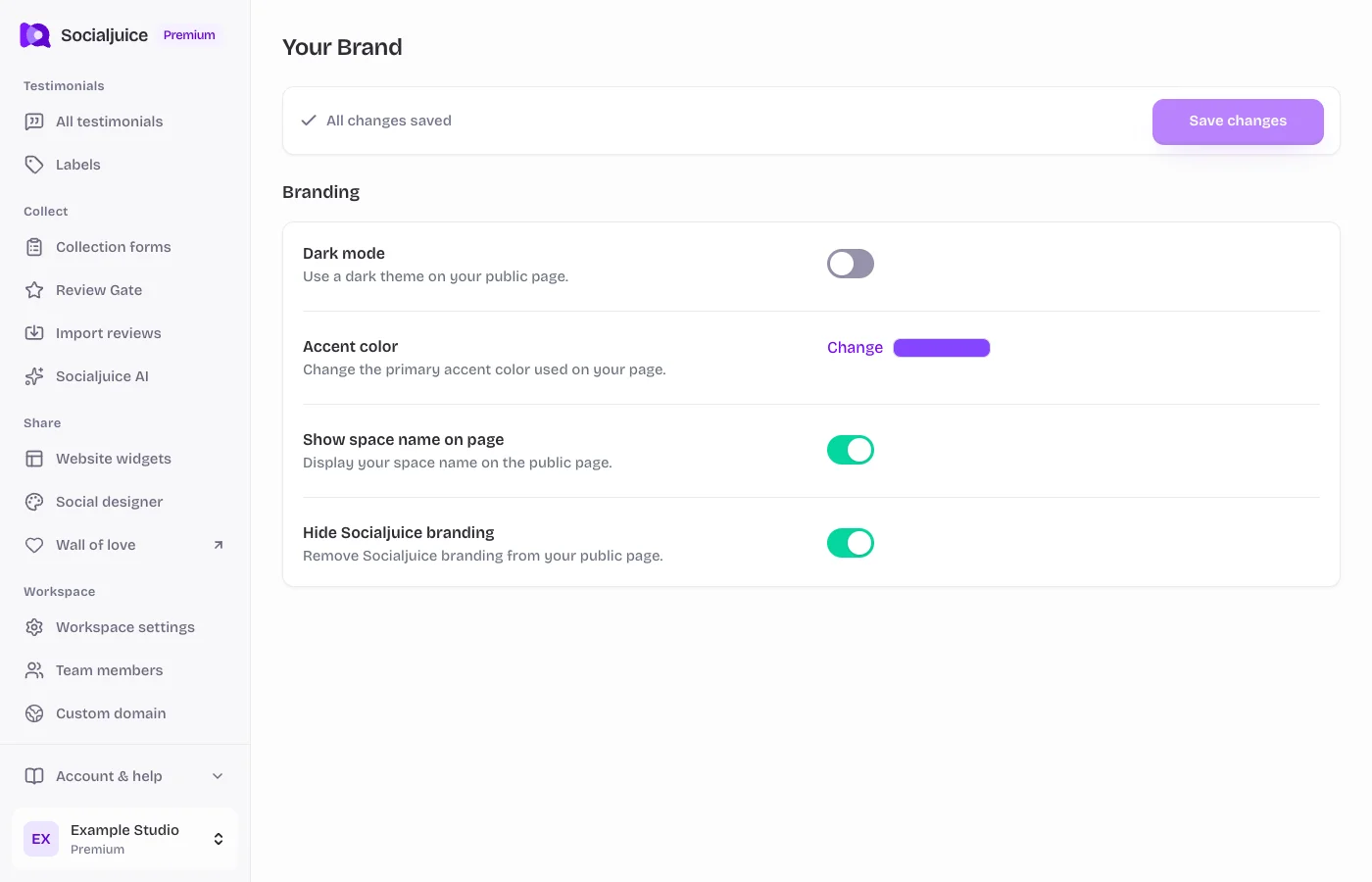
Current Socialjuice dashboard with example data. Interface labels follow your dashboard language.
Open the right form
Open Collection forms and choose Edit testimonial form. Review Gate and the AI widget have their own editing links. Editing the wrong form will not change the customer page you meant to update.
Build the customer experience
- Open General to review the form settings and available collection options.
- Use Your Brand where available to choose your logo, brand colors, background, and appearance. Use an image that keeps the text readable on both a phone and a desktop.
- Open the testimonial-page settings to write a clear invitation and helpful prompts. Explain what you would like the customer to talk about without scripting their opinion.
- Review the personal-information settings. Only request information you need and check which fields are required. Use custom fields if your plan includes them.
- Update the thank-you page and any destination button. Save each section you change, then open the live preview.
Check before you share
Read the page from a customer’s perspective on a narrow phone screen. Check logo cropping, contrast, button labels, line breaks, required fields, and your final destination link. A dashboard preview is useful, but also open the actual public URL.
If changes seem missing, check that you saved the correct section, opened the correct space and form, and are not viewing an old browser tab.