Plan a collection page that fits your brand
Use practical examples to choose your invitation, questions, and appearance.
Updated
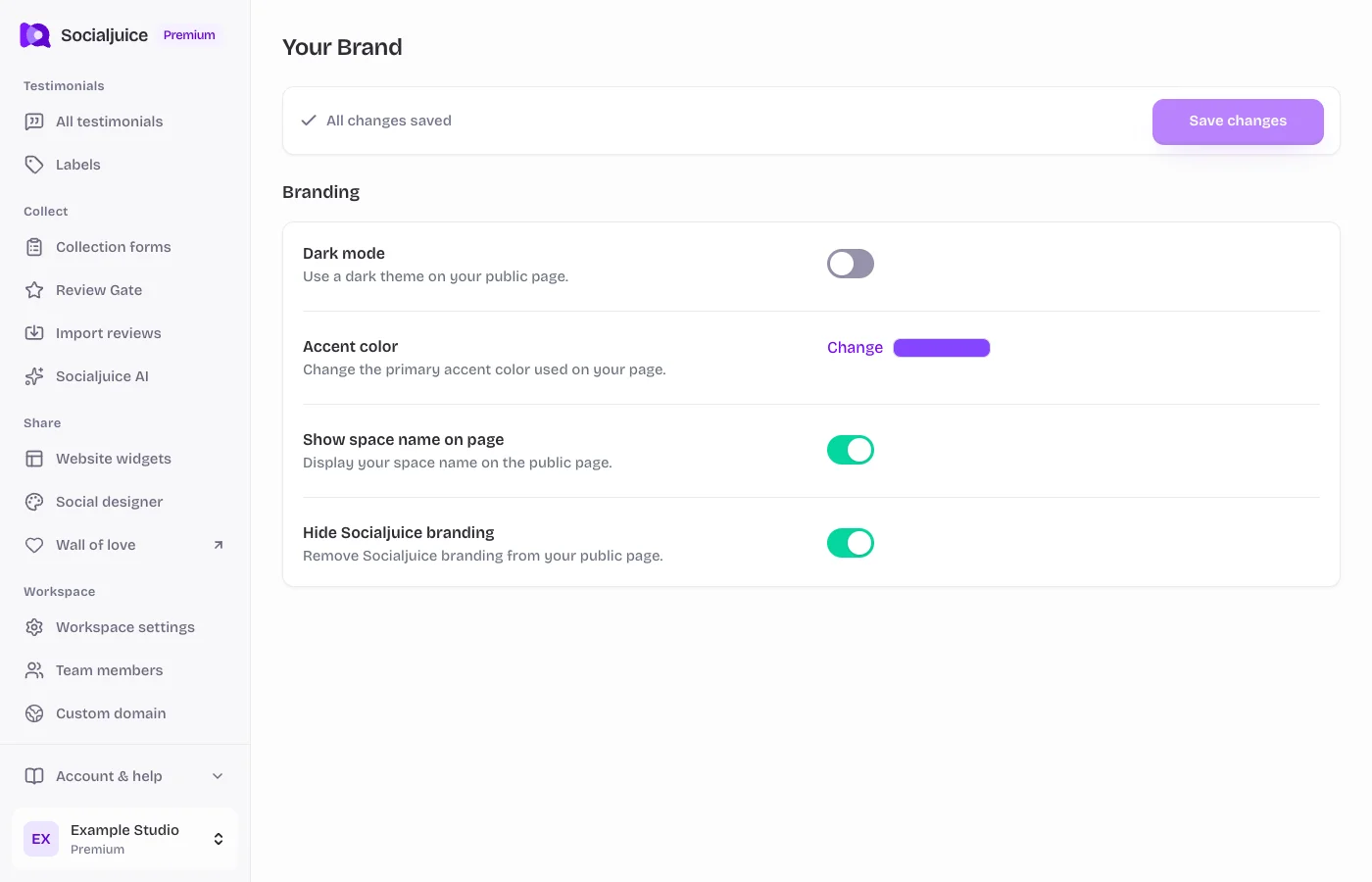
Current Socialjuice dashboard with example data. Interface labels follow your dashboard language.
On this page
A focused service-business page
Use a recognizable logo, a short invitation, and two or three prompts that help customers describe their actual experience. For example, ask what they needed help with, how the service worked, and what changed afterward. Keep personal-information fields limited to what you need.
A product-feedback page
Give customers enough context to identify the product they used. Ask about their experience in their own words, and keep any request for publication clear. Use labels in the testimonial library to organize responses by product or campaign.
Build and check your version
- Open Collection forms and edit the testimonial form. Start with readable branding and a clear introduction rather than a crowded background.
- Add your own questions and thank-you message. Check the personal-information and consent screens.
- Preview on desktop and mobile. Make sure a long brand name, translated question, or logo does not hide the main action.
- Open the public link as a visitor, then share it with customers through your own communication channel.
Use current previews
The old help center showed example pages with older designs. The preview in your current dashboard reflects your current settings and is the best place to check your own composition. Use the live product demo on the website for broader product examples.