Add Socialjuice to Typedream
Install a testimonial widget or collection form using Typedream’s /embed block.
Updated
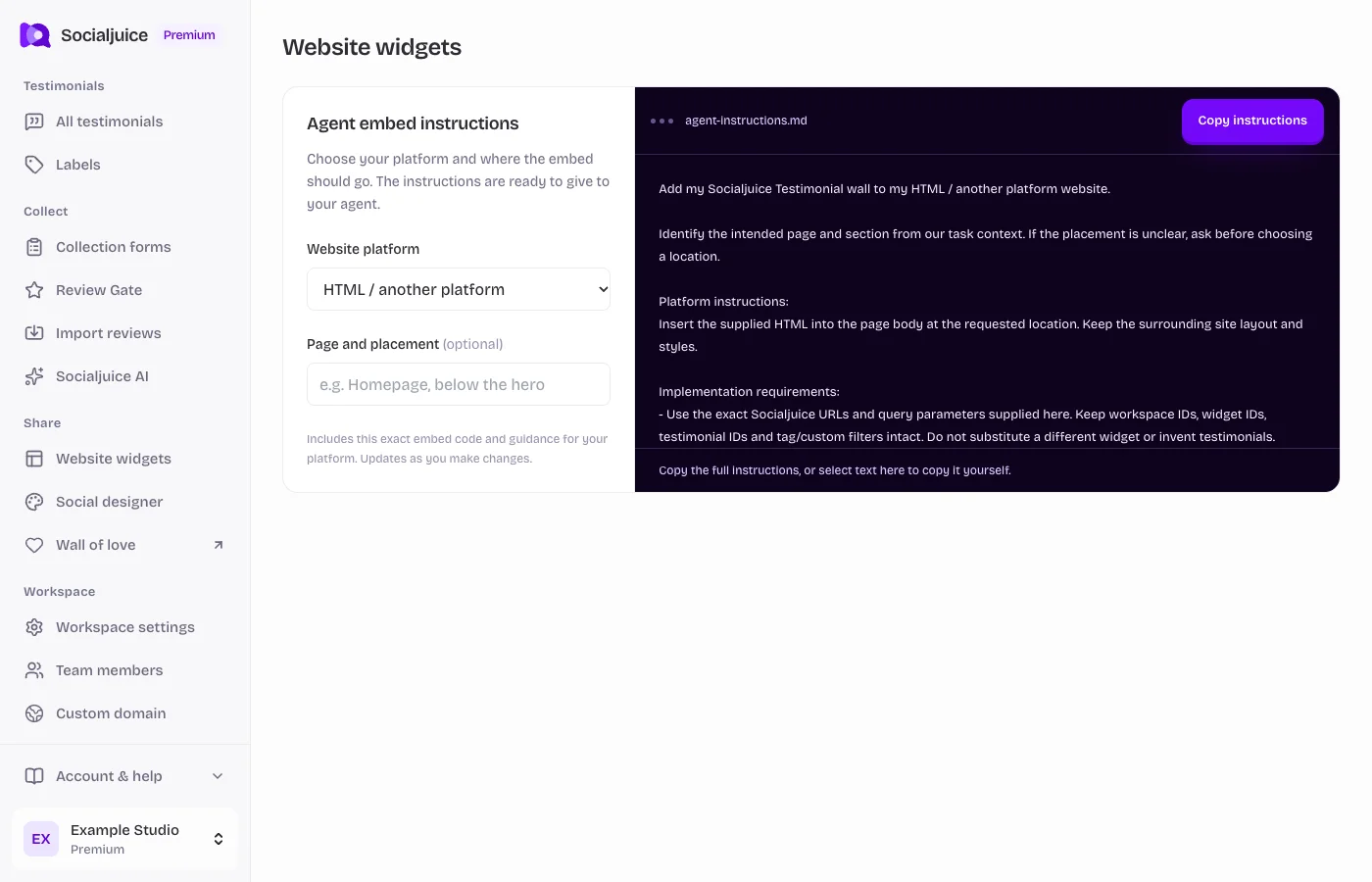
Current Socialjuice dashboard with example data. Interface labels follow your dashboard language.
On this page
Copy the correct embed
For displaying testimonials, open Website widgets and copy the saved widget’s full embed code. To collect new responses, open Collection forms and choose Embed form in my website. These are different snippets.
Use your own snippet from the dashboard. Its IDs, URLs, and filters identify your space and content. Make sure any testimonials you want to display are public.
Add it in Typedream
Add an /embed block on the intended page. Choose its Code option, paste the full Socialjuice HTML snippet, and preserve required script tags.
Check the rendered preview or published page. Size the block for both mobile and desktop and confirm that the current plan supports the custom code you need.
Test the visitor experience
- Open the staging or published page outside the editor. Confirm the correct testimonial selection or form loads.
- Check a narrow phone screen as well as desktop. Scroll to the last testimonial or final form button and adjust the container if it is cropped.
- For a collection form, check browser permissions and provide a link to open the form in a new tab if recording is blocked.
- If the embed is empty, check public status and filters in Socialjuice. If code is stripped, resolve the platform’s custom-code limitation before changing the snippet.
Use agent instructions if needed
In the embed dialog, choose your platform under Agent embed instructions and copy the generated instructions. They include your exact snippet and platform-specific setup guidance. Review your requested page and placement before giving them to an agent.