Share a testimonial on social media
Copy a public testimonial link or create media for your social posts.
Updated
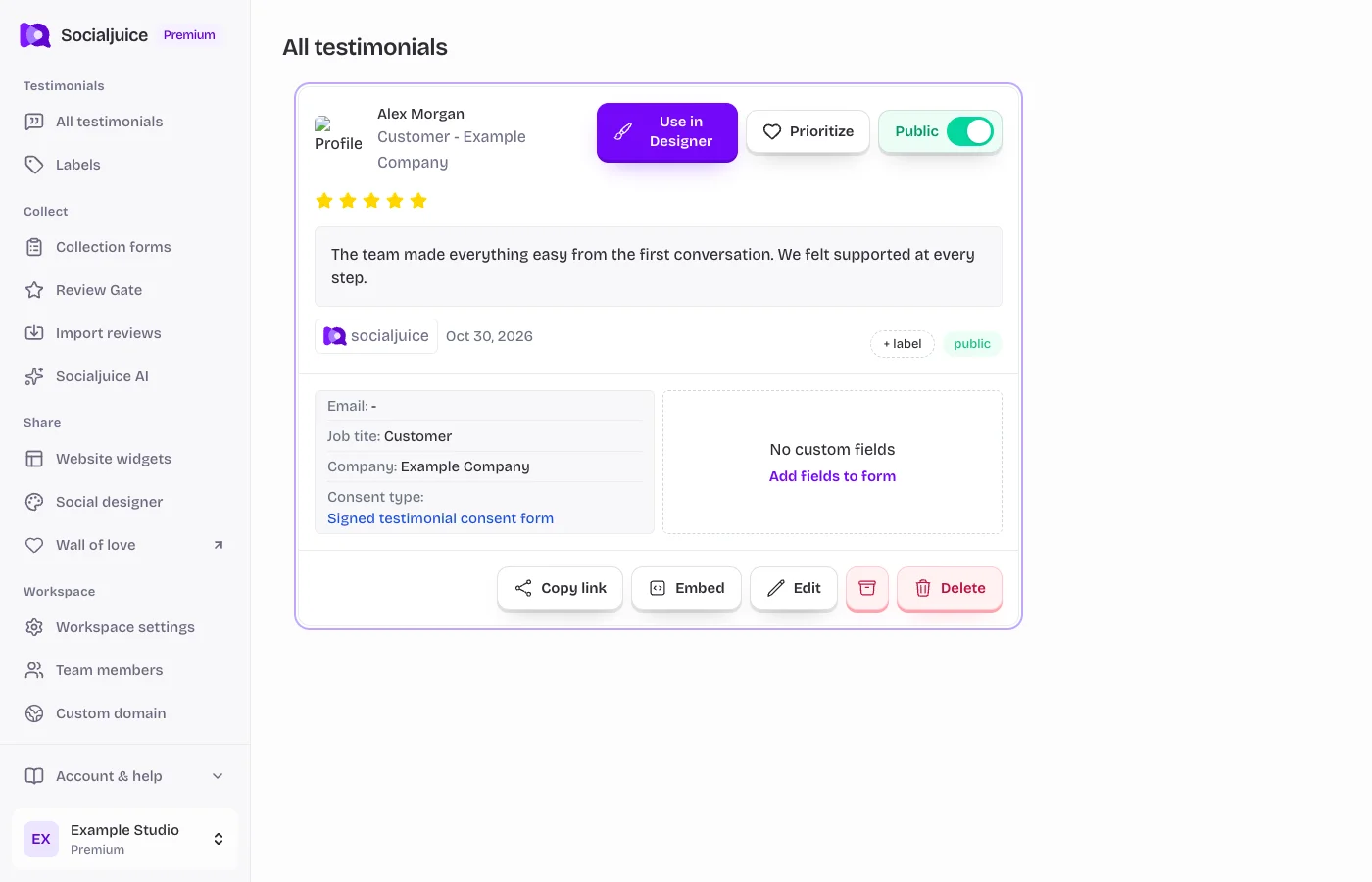
Current Socialjuice dashboard with example data. Interface labels follow your dashboard language.
Share a public link
- Open All testimonials and choose the response you want to share.
- Review its content and consent, then enable Public if it is not already public.
- Use Copy link in the testimonial details. Paste the link into your own message or social post.
- Open the link in a private browser window before posting. Confirm the right testimonial appears without a dashboard login.
Share an image or video instead
Use Social designer to create a branded testimonial image. For a video post, download the Video MP4 if your account includes downloads, then upload it through the social platform’s own composer. Copying a link does not upload the original video file.
Check the social platform’s current format and size requirements. Review cropping, subtitles where needed, and whether the customer agreed to this use.
When visibility changes
Making a testimonial private can stop its Socialjuice public link from displaying, but it does not remove images or videos you already uploaded elsewhere. Remove those separately if needed. Social platforms can cache a link preview; their preview may take time to refresh after a change.