Download a testimonial video or thumbnail
Save a video as an MP4 and download its thumbnail from the testimonial details.
Updated
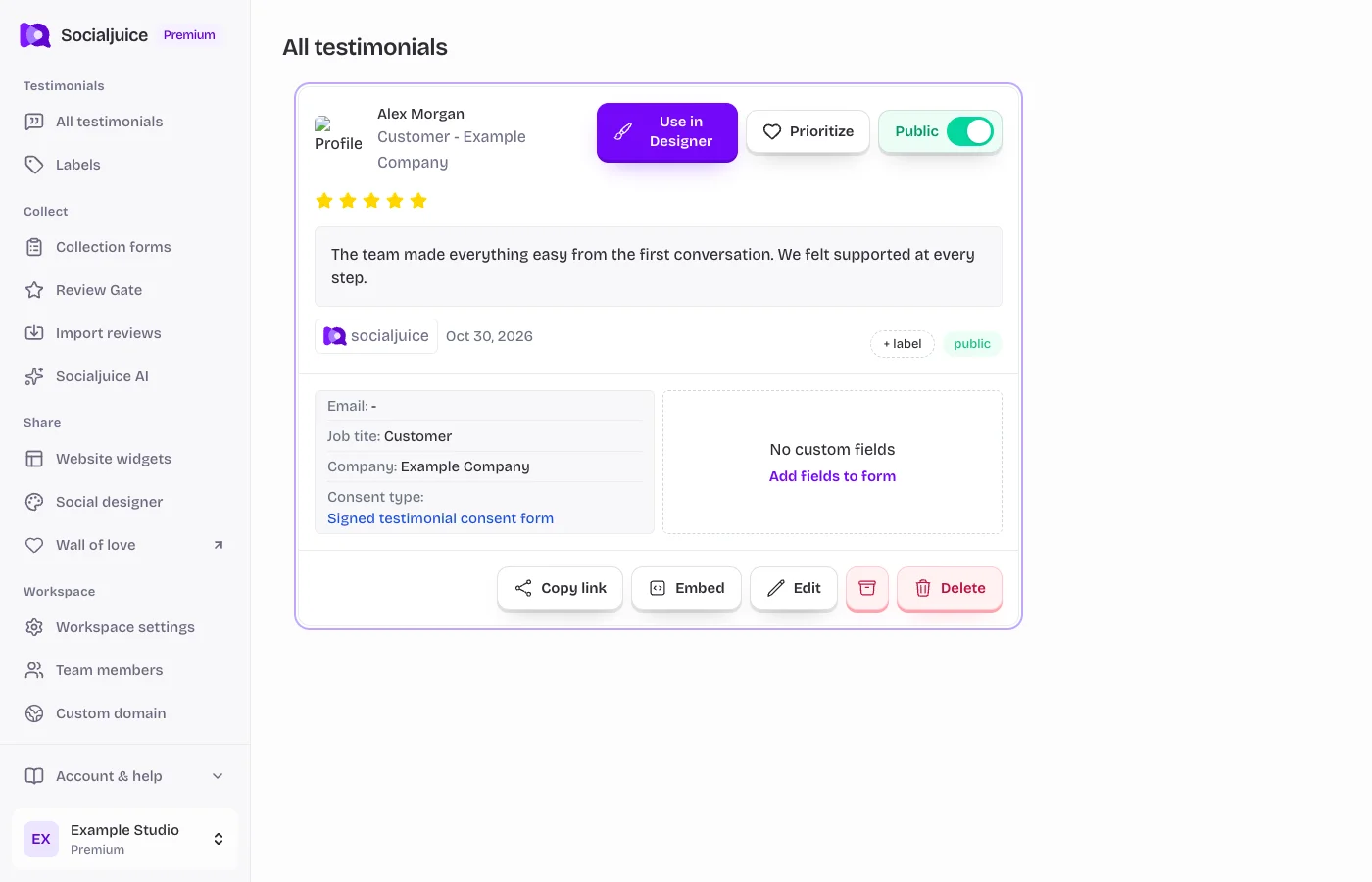
Current Socialjuice dashboard with example data. Interface labels follow your dashboard language.
Download the file
- Open All testimonials and select a video testimonial. A written testimonial has no video file to download.
- Wait for the video to finish processing if it was only just submitted. Open the download actions in the detail view.
- Choose Video MP4 to save the video, or Thumbnail to save the available thumbnail. Allow the browser download if prompted.
- Open the downloaded file and check that it is complete before using it in another editor or social platform.
If downloading is unavailable
Video downloading depends on the account’s available features and your access to the space. If you see a locked feature, review the owner’s plan. If a video is still processing, wait and reload its details.
If the browser opens the file instead of saving it, use its download or Save video option. For failed downloads, try again without an extension blocking the media request and send support the testimonial identifier if the problem persists. Never send an access token.
Before reusing the video
Check the customer’s consent and the intended use. Downloading a file does not expand your permission to edit or publish it. If you later make the testimonial private in Socialjuice, copies uploaded to other services must be managed separately.